
Is Adding Too Many Keywords Bad for Google Ads?
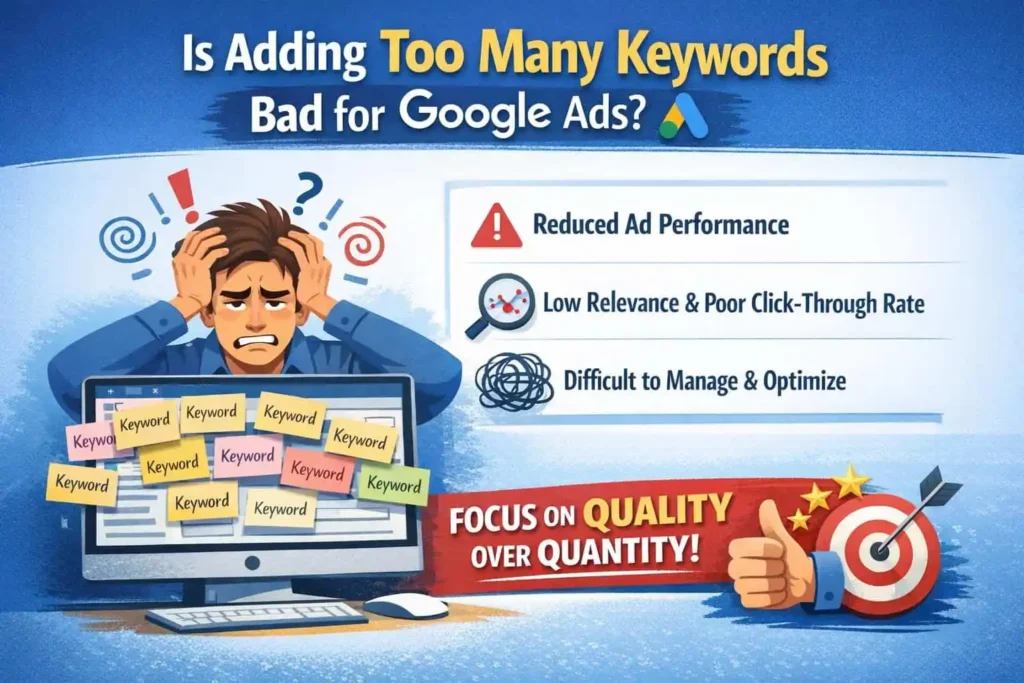
Adding keywords to Google Ads can help you reach more searches, but adding them without a clear plan can hurt campaign performance. Too many similar keywords can make your account harder to manage, split useful data, and create overlap between ad groups. Google Ads now relies more on search meaning and account signals, so building huge keyword lists is not always useful.
- Why Advertisers Keep Adding More Keywords
- How Google Ads Actually Treats Keywords Today
- How Too Many Keywords Can Hurt Performance
- When Adding More Keywords Actually Works
- How Many Keywords Is Too Many?
- Multiple Ads and Keyword Overlap
- Best Practices for Scaling Keywords Without Hurting Results
- Final Thoughts
- FAQs
If you are asking, is adding too many keywords bad for google ads, the answer is that the number alone is not the problem. Poorly related, duplicate, or unmanaged keywords are the bigger issue. A focused keyword structure gives Google better signals and gives you clearer data for making decisions.
Why Advertisers Keep Adding More Keywords
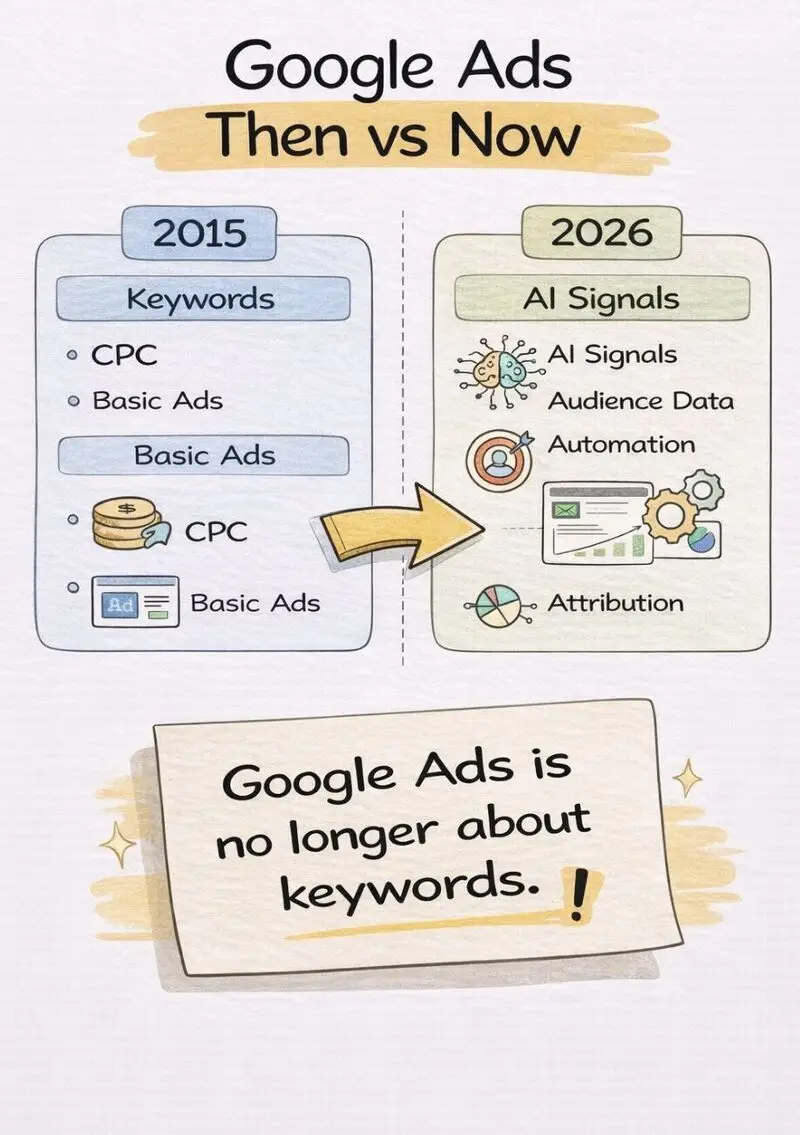
Keyword research can create a long list very quickly.
An advertiser may find dozens of phrases for one service. They may then add every variation to the campaign because each phrase looks like a new opportunity.
For example, a local plumber might find:
- plumber near me
- local plumber
- plumbing company
- plumbing services
- emergency plumber
- emergency plumbing service
- plumber for leaks
- plumbing repair near me
Some of these terms may represent different needs. Others may have nearly the same intent.
The problem starts when keyword volume becomes the goal instead of useful coverage.
Google Ads says advertisers do not need exhaustive keyword lists because match types can capture closely related searches. Close variants can include misspellings, singular and plural forms, abbreviations, reordered words, synonyms, and searches with the same intent.
That changes how keyword research should be used.
Instead of asking, “How many keywords can I add?” ask:
“Which searches represent valuable customer intent that my campaign can serve well?”
How Google Ads Actually Treats Keywords Today
Google Ads uses three main keyword match types: broad, phrase, and exact.
Broad match can reach searches related to the keyword. Phrase match reaches searches that include the meaning of the keyword. Exact match provides more control over searches with the same meaning or intent.
This means you do not need separate keywords for every small wording change.
For example, an advertiser targeting:
“roof repair”
does not necessarily need separate entries for:
- roof repairs
- roofing repair
- repair my roof
- roof repair service
- roof repair services
The correct setup depends on the campaign and its goals. The point is that adding every wording variation is not always useful.
Google also uses signals beyond the keyword itself. With broad match, the system can consider the landing page, other keywords in the ad group, and other signals to understand search intent.
This makes keyword quality and structure more important than raw keyword count.
How Too Many Keywords Can Hurt Performance
There is no Google rule that says a campaign becomes bad after a certain number of keywords.
The issue is usually poor keyword selection, not the number itself.
1. Your ad groups can become too broad
An ad group works better when its keywords share a clear theme.
Imagine a home service company puts these terms into one ad group:
- bathroom remodeling
- kitchen remodeling
- roof repair
- window replacement
- HVAC repair
One ad cannot speak clearly to all five needs.
Google recommends grouping similar keywords into themes so ads can better match user searches.
2. You may split useful data
Suppose one service has ten nearly identical keywords.
Each keyword may receive only a small number of impressions and clicks. The campaign can then become harder to read.
You may spend more time checking tiny differences instead of finding the search terms that actually produce leads or sales.
3. Keyword overlap can create confusion
Multiple keywords may be eligible for the same search.
Google Ads has systems for choosing which eligible keyword or ad group should enter the auction. Current matching also uses relevance and Ad Rank when several options could match.
This does not mean every overlapping keyword is harmful. Google states that using the same keyword in different match types does not by itself increase costs or reduce performance.
The bigger issue is unnecessary duplication that makes campaign management harder.
4. Low-volume keywords can add clutter
Some keywords are so specific that they receive little traffic.
Google can mark keywords with very little search traffic as low search volume. Such keywords may not show ads often until search demand increases.
Adding hundreds of low-volume phrases does not guarantee more customers.
5. Your ads may become less relevant
When an ad group contains many unrelated keywords, it becomes harder to write an ad that speaks directly to each search.
Google’s Quality Score diagnostics include ad relevance, expected click-through rate, and landing page experience. Google recommends improving relevance by grouping keywords into themes and splitting ad groups when their keywords cannot be addressed well by the same ad.
That is a stronger signal than simply counting keywords.
When Adding More Keywords Actually Works
Adding keywords can be useful when the new terms represent new and valuable search intent.
For example, a dental clinic may already target:
“dentist near me”
It may later identify a separate service intent:
“emergency dentist”
That can make sense because the user’s needs are different.
Another example is a remodeling company targeting:
- kitchen remodeling
- bathroom remodeling
- whole-home remodeling
These terms describe different services. Each can support its own ad theme and landing page.
The key is not whether the list gets bigger.
The key is whether the new keyword gives you useful coverage that your current setup does not already provide.
How Many Keywords Is Too Many?
There is no universal number that works for every Google Ads campaign.
So, how many keywords is too many?
The better answer depends on your business, budget, search volume, match types, campaign structure, and conversion goals.
A small local campaign may need only a focused group of service terms. A large account with many products or locations may need thousands of keywords.
Instead of using a fixed number, look for warning signs.
Your keyword list may be too large when:
- Many keywords have almost the same intent.
- Many terms receive little or no traffic.
- Ad groups contain unrelated services.
- You cannot explain why a keyword is included.
- Search terms are repeatedly irrelevant.
- Your ads cannot match the main intent of the ad group.
- Managing the list takes more time than reviewing performance data.
How Many Keywords Should I Use for Google Ads?
Start with the terms that clearly represent your products, services, locations, and customer needs.
Then use actual search data to expand.
Google’s Search terms report shows the searches that resulted in your ads being shown. You can use that data to identify useful searches and add negative keywords for irrelevant searches.
This creates a better cycle:
Research → Launch → Review search terms → Add useful coverage → Exclude poor searches → Measure conversions
That is more useful than creating a huge keyword list before the campaign has data.
Multiple Ads and Keyword Overlap
Advertisers often ask about AdWords multiple ads with the same keywords.
Having multiple ads or overlapping keyword targeting is not automatically a problem. Google Ads can determine which eligible ad enters an auction based on factors such as relevance, Ad Rank, and the context of the search.
The better approach is to give each ad group a clear purpose.
For example:
Ad Group: Emergency Plumber
Keywords should focus on urgent plumbing needs.
Ad Group: Drain Cleaning
Keywords should focus on drain cleaning searches.
Each group can then use an ad copy that matches its search intent.
This gives Google and the user a clearer connection between the search, ad, and landing page.
Best Practices for Scaling Keywords Without Hurting Results
1. Build around search intent
Do not start with keyword volume.
Start with what the customer wants.
A person searching “buy running shoes” has a different intent from someone searching “how to clean running shoes.”
2. Group similar terms
Keep keywords with the same customer need together.
This makes ad writing easier and helps you build more relevant landing pages.
3. Avoid adding every close variation
Google’s matching systems already handle many close variants.
Do not create separate keywords just because one phrase uses a plural or slightly different word order.
4. Use the Search terms report
Your keyword list tells Google what you want to target.
Your search terms report shows what people actually searched.
Review it regularly. Keep valuable searches and add negative keywords when certain searches do not fit your offer.
5. Watch conversions, not just clicks
A keyword can receive clicks without producing useful business results.
Track the metrics that matter to your campaign, such as conversions, conversion value, cost per conversion, and qualified leads.
6. Keep landing pages aligned
The landing page should deliver what the ad promises.
Google considers landing page experience as part of its ad quality assessment. Useful information, relevant content, and easy navigation all matter.
For example, an ad for “emergency water heater repair” should not send users to a generic home services page if a relevant repair page exists.
7. Remove keywords when the data supports removal
A keyword does not need to stay forever.
If a term has poor relevance, little value, or repeatedly attracts the wrong searches, review whether it still belongs in the campaign.
Do not remove a keyword simply because it has not produced a conversion after a very small sample. Give performance enough time and context before making a decision.
Final Thoughts
Good Google Ads management is not about collecting the biggest keyword list.
It is about understanding what people search, grouping related intent, writing useful ads, and sending visitors to pages that answer their needs.
If you manage campaigns for local businesses, a focused structure can also make reporting and optimization easier. A specialized provider such as Google Ads Agency in NewYork can help businesses review keyword coverage, search terms, ad relevance, and landing page alignment.
For LocalPro1, the same principle applies: build keyword coverage around real customer needs instead of adding phrases just to make the account look larger.
Before adding another keyword, ask one simple question:
Does this keyword give the campaign useful coverage that I do not already have?
If the answer is no, you may not need it.
FAQs
Is adding too many keywords bad for Google Ads?
It can be if the keywords are repetitive, irrelevant, or poorly organized. Google Ads does not set one universal keyword limit that makes a campaign bad. Relevance and campaign structure matter more.
How many keywords is too many?
There is no fixed number. A campaign can have many keywords and still perform well. The warning signs are duplicate intent, low search volume, poor relevance, and difficulty managing the account.
How many keywords should I use for Google Ads?
Use enough keywords to cover valuable customer searches without adding unnecessary variations. Start with strong intent-based terms, then expand using search terms and conversion data.
Do I need every variation of a keyword?
No. Google Ads can match keywords to close variants, including some misspellings, plural forms, reordered phrases, and searches with the same meaning.
Can multiple keywords trigger the same search?
Yes. Multiple keywords can be eligible for related searches. Google Ads uses matching and prioritization systems to determine which eligible options are considered.
Does keyword count affect Quality Score?
Keyword count itself is not a Quality Score component. Google lists expected CTR, ad relevance, and landing page experience as the three Quality Score components.
Should I delete keywords that do not convert?
Not automatically. First check search volume, clicks, cost, relevance, conversion tracking, and the time period. A keyword with limited data may need more evidence before you remove it.
Ready to Grow Your Business Online?
Get a custom strategy built around your goals. Our team will review your current marketing and show you exactly where the growth opportunities are.
- Free 30-minute strategy call
- Custom growth roadmap
- No obligation or hidden fees