




- Your cart is empty Browse Shop
What Are the Top 3 Website Builders?

More Website Builders than there needs to be. Dozens of platforms all claim to be the greatest and most comparison articles only list ten possibilities without telling you which three actually matter. For the straight dope, here’s a fast summary of the best 3 website builders right now: Wix, Squarespace, and Shopify. Wix wins for beginners and general use Squarespace wins for design Shopify wins for online stores
Here’s why those three sit at the top, what each one does better than the others, and how to match one to your particular project. You’ll find out how they stack up against WordPress, which free options are worth investigating and what factors are most important before you make a commitment to a plan. No filler, no ten-item list claiming to give each option your attention.
What Makes a Website Builder
A website builder is a software that helps you build and publish your site without any coding. You drag and drop elements onto a page and select a template and the hosting, security and technical configuration is handled behind the scenes by the platform.
That is different from WordPress.org where you install software yourself and control your own hosting. It’s not the same as hiring a developer and having them code a site from scratch to your specs, either.
Most website builders share a few common features: a visual editor, a library of website templates, built-in website hosting and a free SSL certificate for basic security. You can usually link a custom domain you already hold, or buy one using the builder. Many platforms also contain ecommerce capabilities, email marketing, and SEO settings, so you don’t need five distinct tools to run a small site.
The finest website builders differ largely in the flexibility of their editor, how well their templates appear, and how much a plan will cost you once you require genuine functionality.
The Top 3 Website Builders for 2026
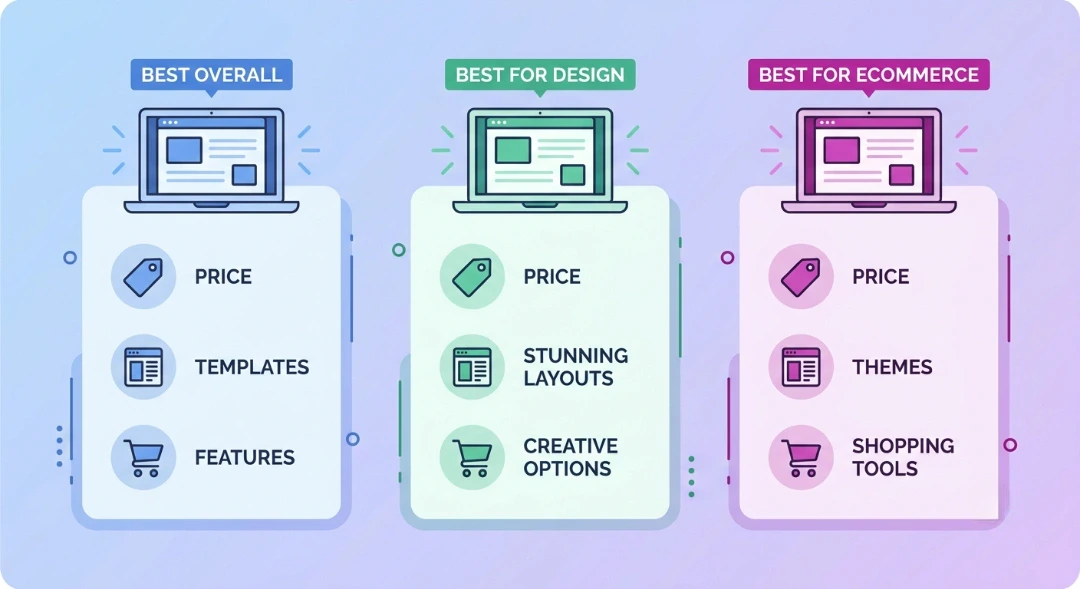
A side-by-side look at the top 3 website builders for 2026: best overall, best for design, and best for ecommerce.
After comparing pricing, templates, editing tools, and ecommerce features across a dozen platforms, three names keep showing up at the top of every serious website builder comparison. Together, they answer the question of what are the top 3 website builders better than any other combination on the market: Wix, Squarespace, and Shopify. Each one earned that spot for a different reason, not because it does everything well.
1. Wix: Best Overall for Beginners
Wix gives you one of the most complete drag and drop website builder experiences on the market. You get full control over almost every element on the page, hundreds of templates, and an AI tool that puts together a starter site from a short questionnaire.
Paid plans start around $17 a month for a site without ads, and a free plan exists if you just want to test the editor. Wix also includes solid ecommerce features, so small sellers don’t need to switch platforms later.
The tradeoff is that once you pick a template, you can’t switch to a different one without rebuilding the page layout.
2. Squarespace: Best for Design and Content-Driven Sites
Squarespace templates look polished by default, which matters if design isn’t your strong suit. The editor is a bit more rigid than Wix’s, but that rigidity is exactly what keeps sites from looking cluttered.
It’s a strong website builder for beginners who run a blog, portfolio, or service business and want the site to look professional without much fuss. Squarespace also ships with solid built-in SEO settings and clean, responsive design out of the box.
Plans run from roughly $16 to $65 a month, and ecommerce features are capable but not as deep as Shopify’s.
3. Shopify: Best Website Builder for Ecommerce
Shopify is built around one job: selling products online. Inventory management, shipping rules, tax settings, and payment processing are all handled inside the platform instead of bolted on as extras.
If your main goal is a store, not a blog or portfolio, Shopify is the best website builder for ecommerce by a wide margin. It supports everything from a single-product shop to a catalog with thousands of items.
Plans start around $29 a month, though transaction fees apply if you skip Shopify Payments. For a store built to actually process orders, that cost is usually worth it.
Which Website Builder Is Best for You?
Best website builder? Depends what you want. Choose Wix if you want flexibility and an easy learning curve, choose Squarespace if design matters most and you run a content site, and choose Shopify if you’re developing a store geared to process substantial sales volume.
First, consider what your site has to achieve, not what platform has the coolest reviews. A freelancer who requires one tidy page to field client inquiries doesn’t need Shopify’s ecommerce tools. A boutique aiming to send 200 orders a week doesn’t need Wix’s page creation flexibility nearly as much as reliable checkout capabilities.
Budget counts too. If you’re starting with almost little to invest, Wix’s free plan or a cheap cost AI builder like Hostinger’s can get a site live while you discover out whether the business idea works. Once you’re making revenue, upgrading to a paid plan on any of these three is a modest expenditure comparison to what a custom constructed site would run.
Website Builders vs. WordPress vs. Hiring a Developer
A no code website builder includes hosting, security, and design tools in one fixed monthly fee. Self-hosted WordPress offers unlimited customization but requires separate maintenance, while hiring a developer provides custom work at a significantly higher upfront cost.
Understanding these differences helps you avoid unexpected expenses or technical hurdles down the road.
- All-in-One Builders: Everything is managed under one subscription. If something breaks, customer support helps you directly.
- Self-Hosted WordPress: Software is free, but you must buy web hosting, register a custom domain, and manage plugin updates yourself. It offers high flexibility but requires a learning curve.
- Hiring a Developer: Custom-built sites can cost anywhere from $1,500 to $5,000 upfront. You may also need to pay hourly fees whenever you want to edit simple text.
Key Factors to Consider Before Choosing a Website Builder
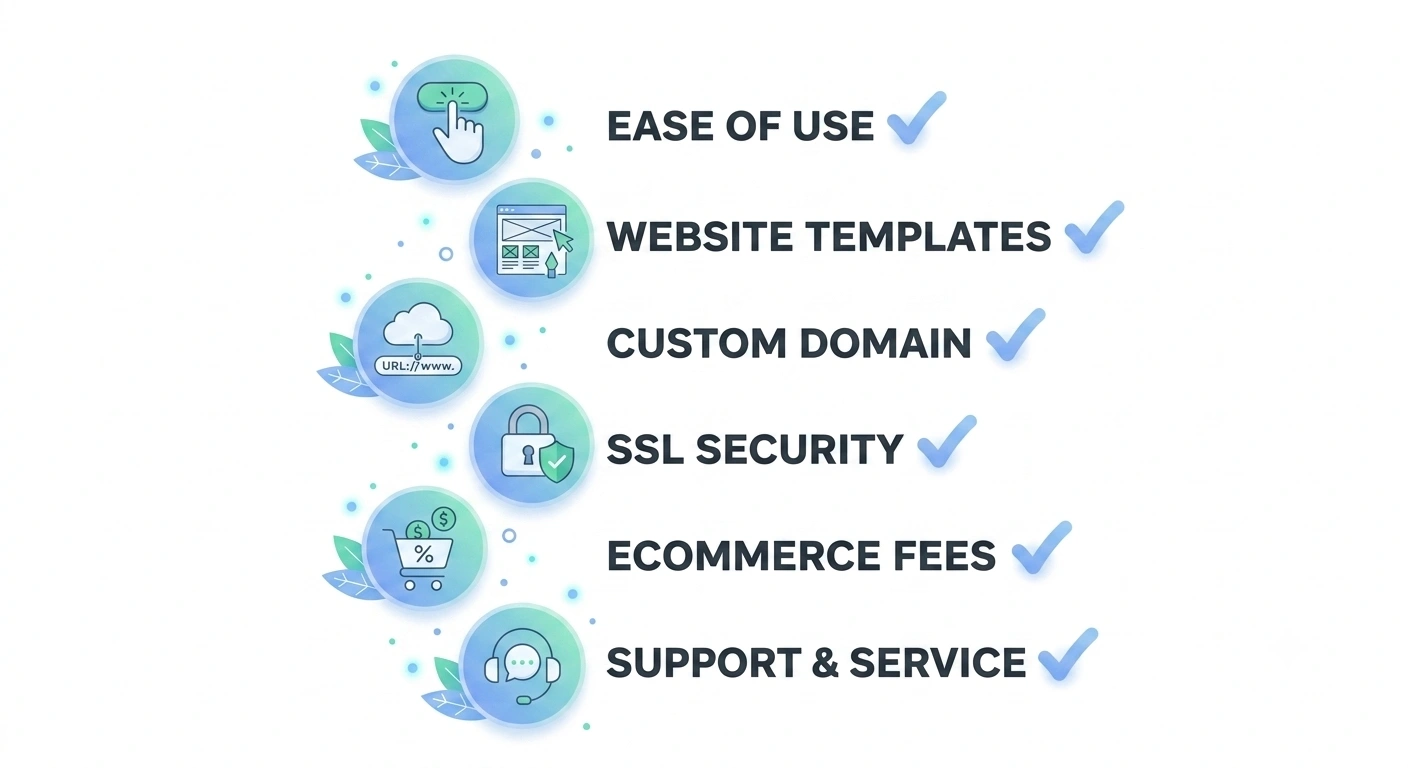
Six factors worth checking before you commit to any website builder plan.
Selecting a platform involves looking beyond initial promotion rates. Keep these factors in mind before signing up:
Ease of Use vs. Design Control
Some platforms restrict where you can place buttons to prevent accidental design errors. Others let you drop elements freely anywhere on screen. Decide whether you prefer guided boundaries or open visual freedom.
Total Costs and Domain Registration
Look closely at renewal pricing. Many platforms offer discounted rates for the first year, but standard rates apply upon renewal. Always verify whether a custom domain name and an SSL certificate are included long term or charged separately after year one.
Portable Content
If you decide to change platforms later, moving pages isn’t always simple. Look for builders that allow you to export text, images, and blog posts easily.
What Are the Best Free Website Builders?
The best free website builder plans come from Wix and Hostinger, though free options place builder branding on your pages and limit custom domain usage. They work best for practicing edits before paying for a plan.
Free plans provide a risk-free way to test tools before committing financially. However, they come with built-in limitations:
- Subdomains Instead of Custom Domains: Your web address will look like yo instead of a professional address.
- Platform Advertisements: Unremovable ads will appear at the top or bottom of your pages.
- Storage Limits: Free tiers cap image uploads and video file sizes.
For a personal project or temporary draft, free plans work fine. For a permanent online home, upgrading to a paid tier offers a cleaner look.
Which Website Builder Performs Best in Speed and Uptime Tests?
Independent testing groups generally rank Squarespace and Shopify highest for page load speed and uptime, with Wix close behind after infrastructure upgrades in 2026. Exact numbers move often, so check a current speed test report before treating this factor as a deciding one.
Speed affects two things directly: how long a visitor waits before leaving, and how Google ranks your page against competitors. A slow ecommerce site loses sales before a shopper even sees your products.
None of the top 3 website builders are slow by default, but heavy image galleries, video backgrounds, and unused third-party apps slow any of them down. The fix is usually the same regardless of platform: compress images, limit autoplay video, and remove apps you’re not using.
The Best Website Builders for Small Businesses
Small businesses have different priorities than solo bloggers or large online stores: fast setup, believable design, and tools that support local visibility.
Wix is the easiest website builder for small business owners who need a site up quickly and want built-in booking, contact forms, and local SEO settings without hiring anyone.
Squarespace suits service businesses and studios where visual presentation carries weight, think designers, photographers, consultants, and boutique agencies.
Shopify remains the strongest choice for small business owners selling physical products, since it’s built for ecommerce rather than adapted for it.
Whichever platform you pick, connect your Google Business Profile, add your business address and hours to the site, and keep your contact information consistent everywhere it appears online. That consistency matters more for local search rankings than most people realize.
Final Thoughts
Comparing every website builder on the market wastes time you could spend building something. Wix, Squarespace, and Shopify cover the vast majority of use cases well, and picking between them comes down to whether you value flexibility, design, or ecommerce power most.
If your project has outgrown what any website builder can offer, custom Web Development Services NY might be a better fit, especially for sites with unique functionality or heavy traffic. At LocalPro1, we help business owners figure out which route actually fits their budget and goals before any money changes hands. Contact us if you’d like a second opinion before you commit to a platform.
Frequently Asked Questions
Which website builder is easiest for beginners?
Wix is the easiest website builder for beginners because of its guided AI setup and forgiving drag and drop editor. Squarespace is close behind, though its templates are more rigid. Between the two, most people trying to figure out what are the top 3 website builders for a first project should start with Wix.
Is Shopify better than Wix for ecommerce?
Yes, for pure ecommerce, Shopify beats Wix. It offers deeper inventory tools, better shipping integrations, and a checkout built for high order volume, while Wix’s store features work fine for smaller catalogs under a few hundred products.
Can I switch website builders later without losing my site?
Switching is possible but not simple. Most builders don’t let you export a fully working copy of your design, so moving platforms usually means rebuilding pages from scratch while reusing your existing content and images.
Do I need coding skills to use a website builder?
No coding skills are required for any of the top 3 website builders covered here. Every core feature works through a visual editor, and code access is only there for people who want deeper customization later.
Which website builder is best for SEO?
Squarespace and Wix both include capable built-in SEO settings, covering meta tags, sitemaps, and mobile responsive design by default. Rankings still depend far more on your content quality and backlinks than on which builder you choose.
